Module - Effective Scenes
Feature Introduction
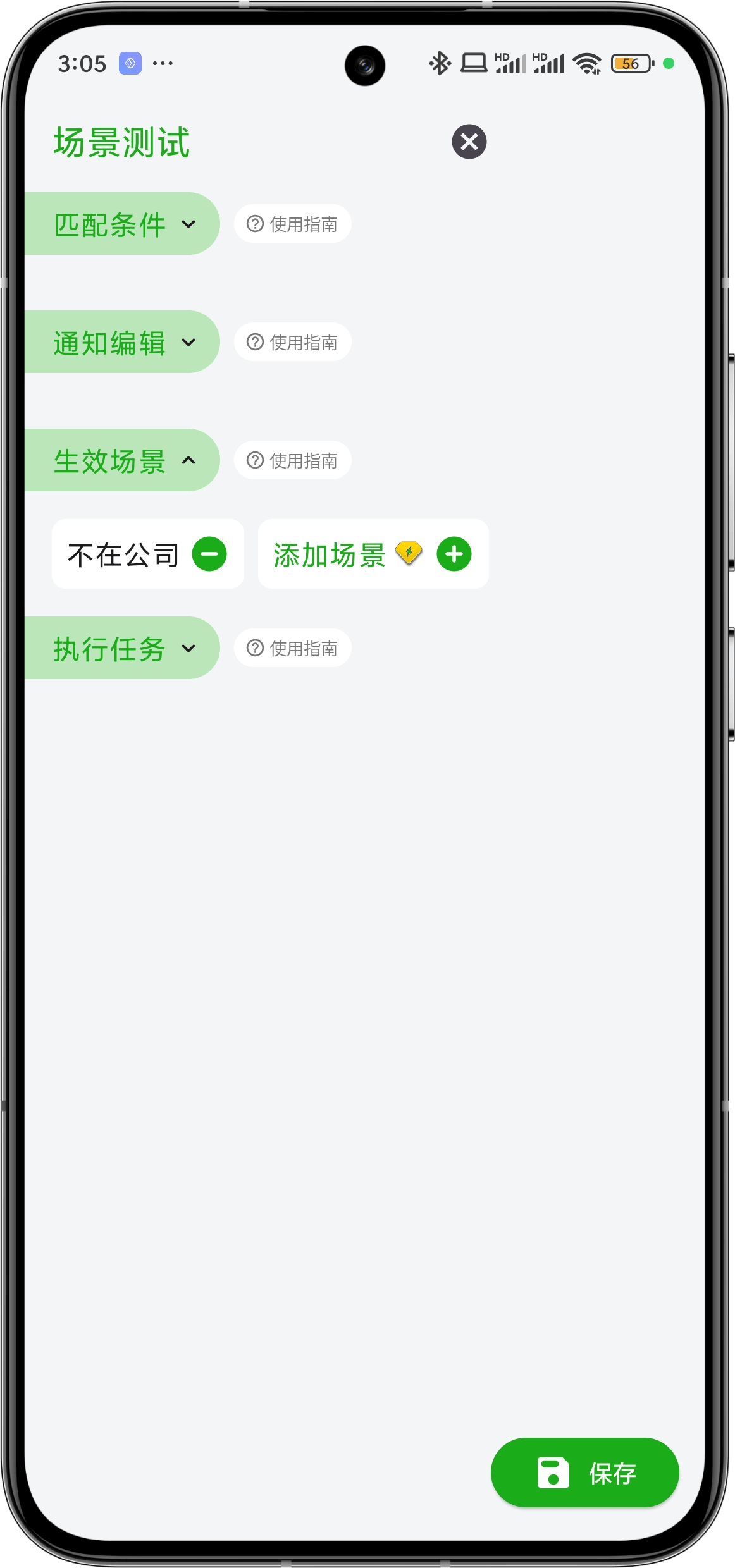
This module is used to set in which scenes the rule will take effect. When a notification successfully passes the matching in Module - Match Conditions, it will not immediately execute the tasks in Module - Execute Tasks. It still needs to meet the scenes set in this module. Not adding any scenes means no scene restrictions, and tasks will be executed immediately after the notification passes the match conditions.
For example, if you don't want the notification auto-announcement feature to work when you're at the company, you can define a Not at Company scene in the Scene List, and then add this scene in this module. This way, tasks will only be executed when the device meets the scene conditions.