Tutorial - Forward to Smart Band
The forward to smart band feature is implemented through the smart band client app. The principle is that OneNotify APP first pushes the notification to be forwarded to the notification bar, then the smart band client receives the push and forwards it to the smart band.
The following tutorial uses Mi Band as an example
Step 1: Install "Mi Fitness" App and Bind Your Smart Band

Step 2: Enable Notification Feature in Smart Band Client
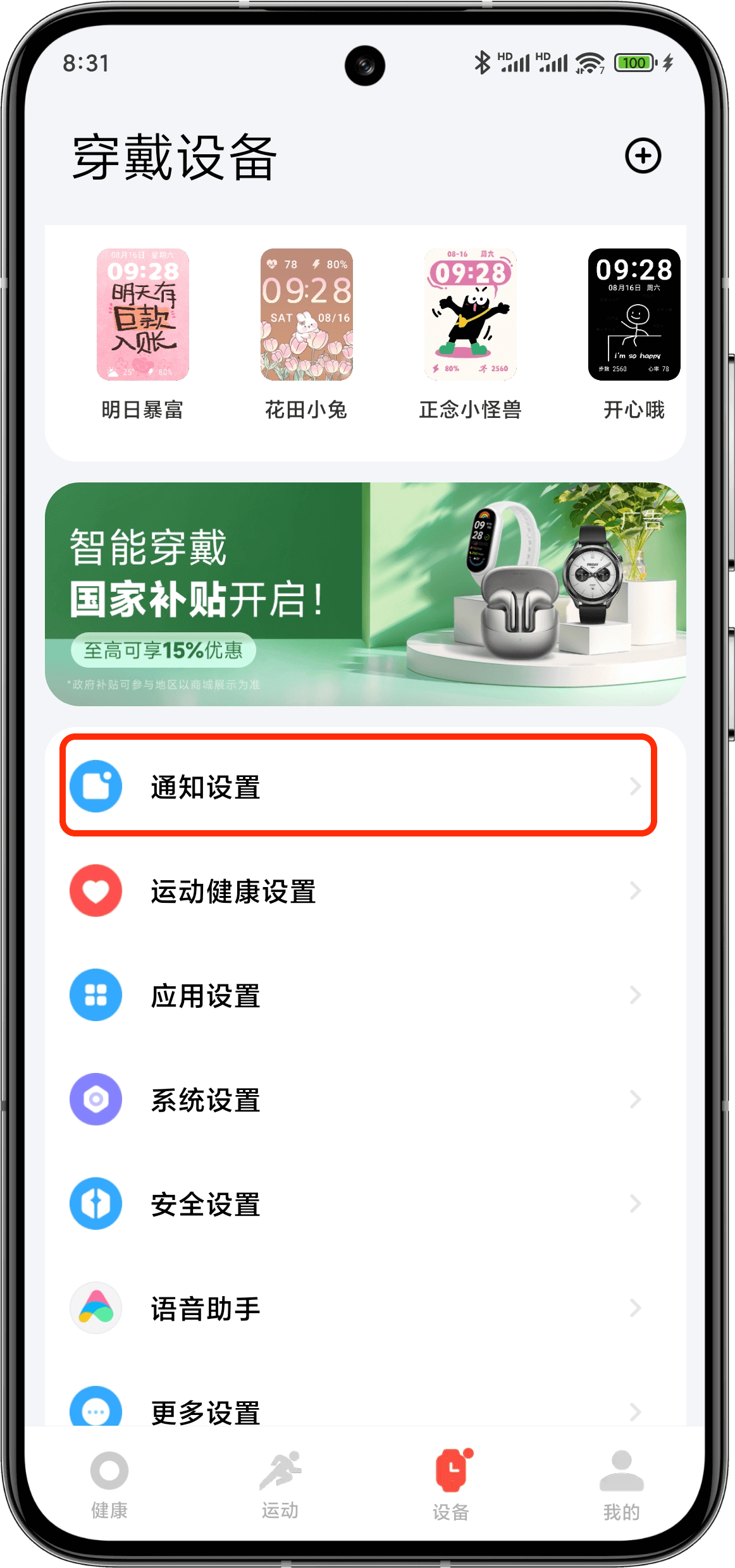 |  |
Step 3: Select OneNotify App to Allow Notification Forwarding

Step 4: Recommended to Enable Delayed Dismissal Option
Enable delayed dismissal to let notifications stay in the notification bar for a while, making forwarding more stable
