Restricted Settings - Notification Usage Cannot Be Enabled?
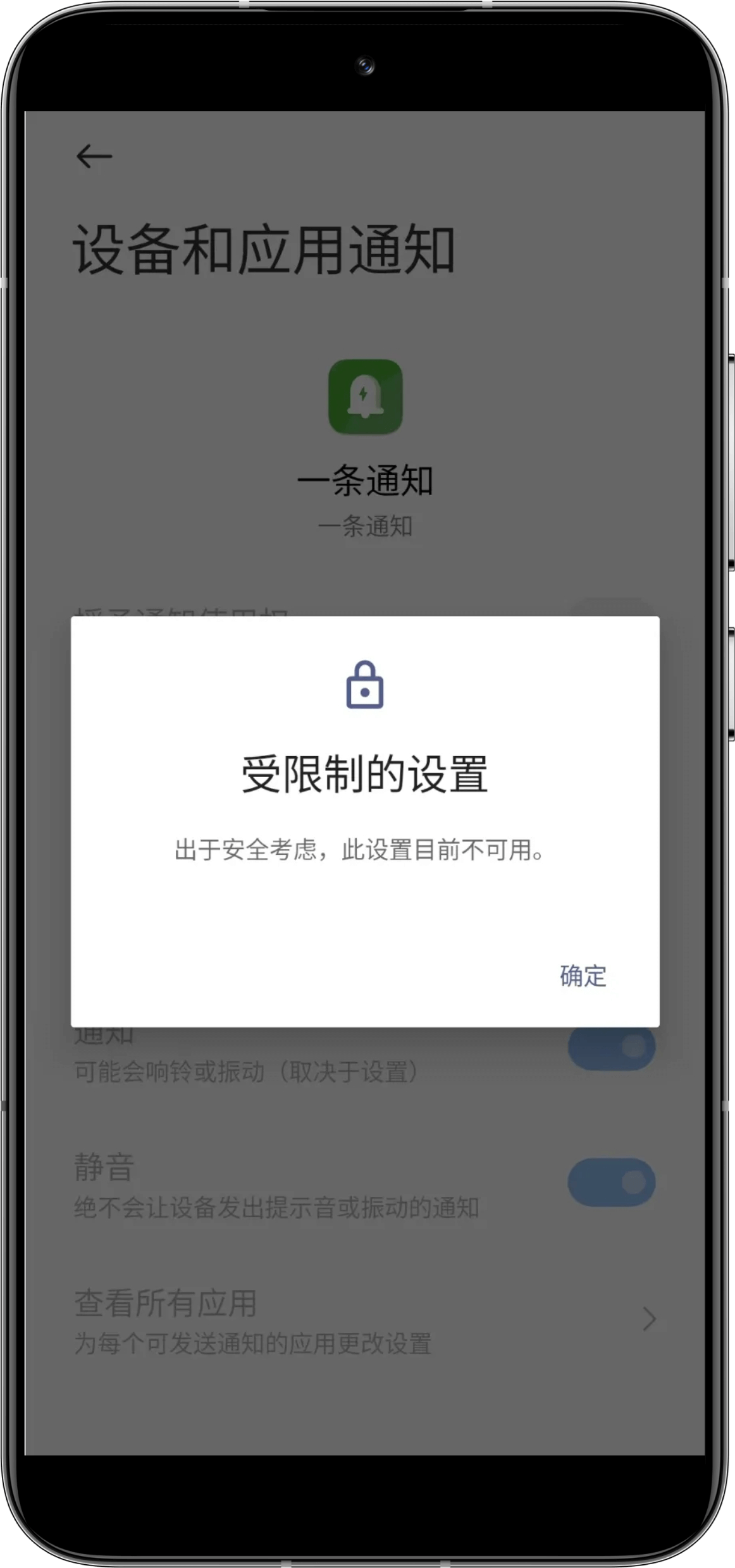
Some devices may encounter the following prompt when enabling notification usage rights.
This is because notification usage rights belong to sensitive information permissions, and some Android 13 systems strictly limit these types of permissions (grayed-out switches or pop-up prompts indicating unavailability). This is a privacy protection measure in Android 13. You can find Allow restricted settings in the "More (usually accessed through three dots in the top right corner)" option on the app details page, and after authentication, you can enable notification usage rights for the app.