Rule List
Feature Introduction
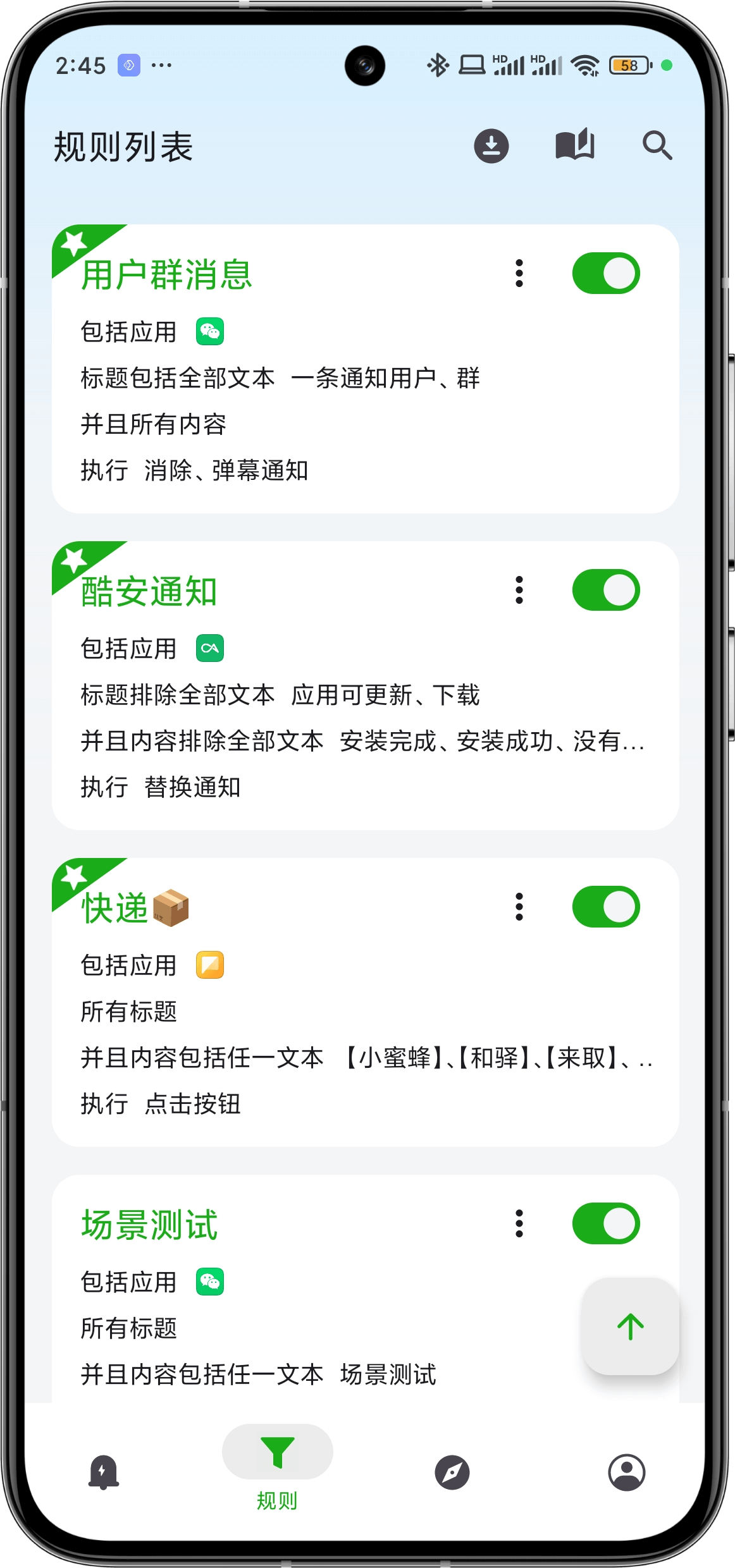
The second tab page is the rule list, which records all your custom notification matching rules. They determine how to match system notifications, what actions to execute, and save the matched notifications and execution records in the Notification List.
Click the ➕ button in the bottom right corner of the page to create a new rule.
Click on a rule card to jump to the editing page of that rule. Rule editing is mainly divided into four modules, see Matching Rule Introduction for details.