Hidden Sensitive Notification Content?
Notice for Android 15 Users
It's currently known that Google has introduced something new in Android 15. The cause might be that Google considers the notification access permission too powerful, as some apps with this permission can access sensitive data in notification content such as OTP codes, verification codes, passwords, bank card numbers, etc. As a result, Google has added a new permission in Android 15 called RECEIVE_SENSITIVE_NOTIFICATIONS specifically to restrict such apps...
Currently, we observe that messages from apps like QQ, WeChat, and SMS content containing verification codes are being modified by the system to "Hidden sensitive notification content", preventing One Notify from accessing the actual notification content.
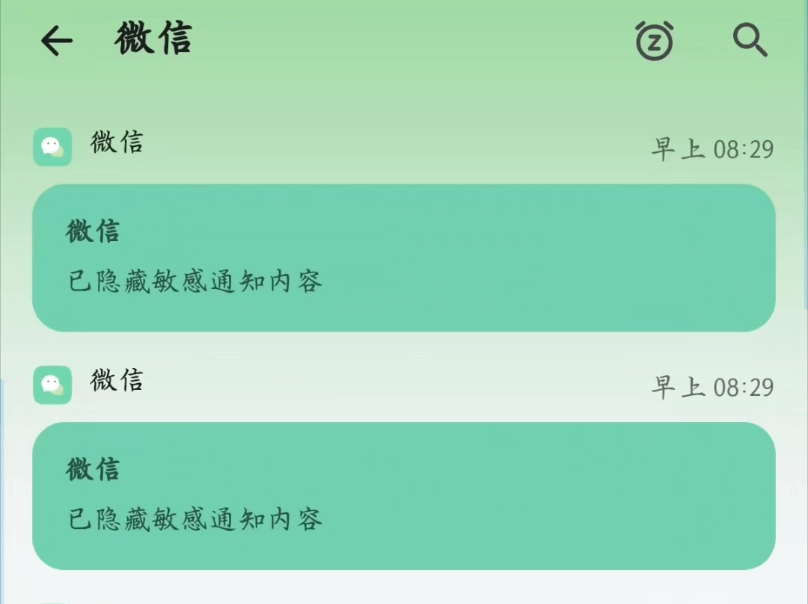 |  |
Solution
Choose one of the three options, then restart One Notify after completion
- System Settings > Notifications > Turn off Enhanced Notifications

- Execute ADB Command
adb shell appops set cn.skyrin.ntfh RECEIVE_SENSITIVE_NOTIFICATIONS allow
- Use third-party permission management tools like AppOps to grant One Notify the RECEIVE_SENSITIVE_NOTIFICATIONS permission
Testing
Send a login verification code SMS from another app, check the notifications currently displayed in the notification bar using the toolbox, and see if you can see the verification code. If you can see the complete information, it means the authorization was successful.
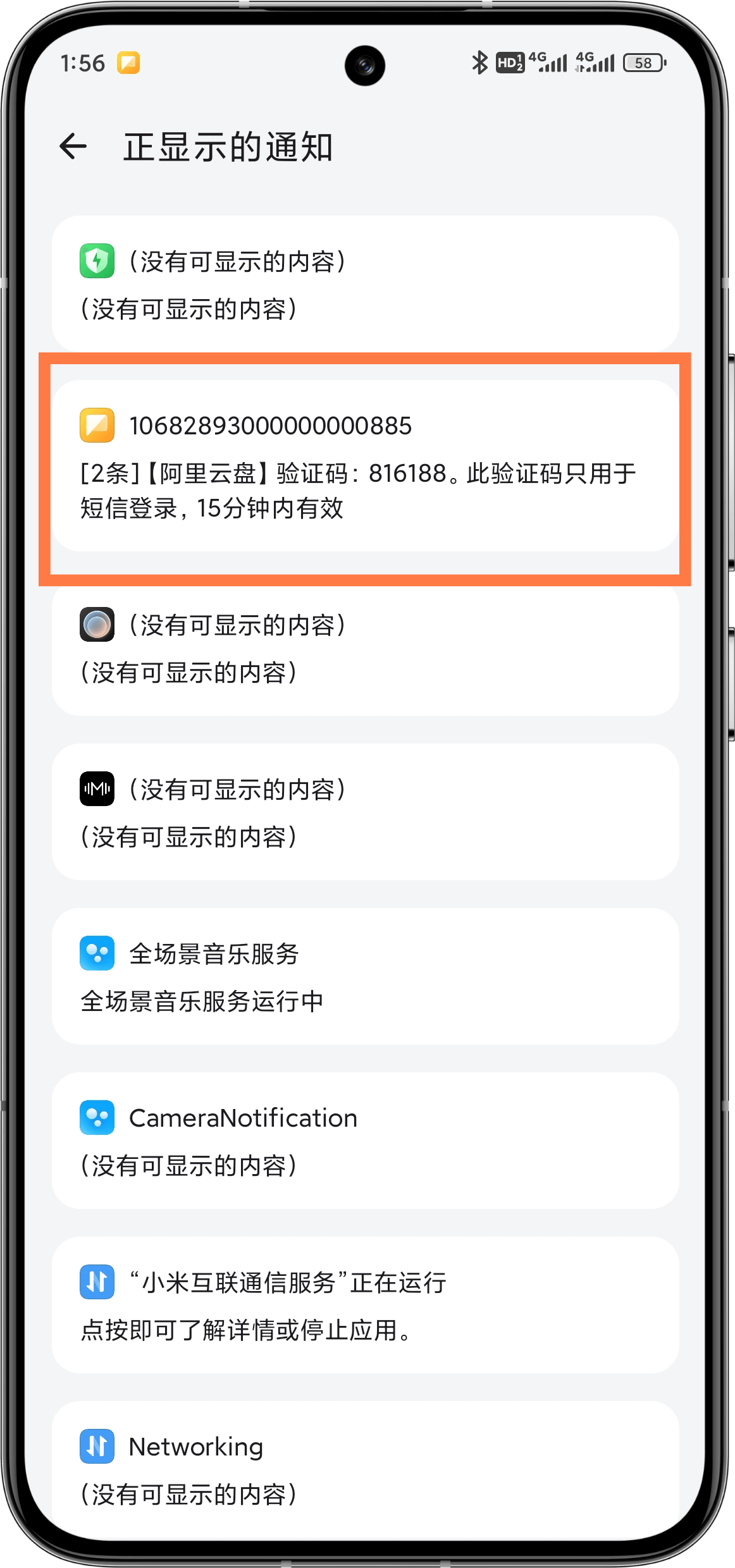
Execute adb commands on mobile phone
If you can't execute adb commands on a computer, you can refer to 👇How to Execute adb shell Commands Without a Computer - Sspai