Introduction to Match Rules
What are Match Rules?
Match rules are rules used to match notifications. You can define multiple rules in the Rule List. The reason why OneNotify can manage various notifications in an orderly manner is inseparable from the filtering and constraints of match rules. Match rules are like a filter that can accurately filter out the notifications you want based on your settings, execute tasks, and record matched notifications in the Notification List.

How to Properly Edit Match Rules?
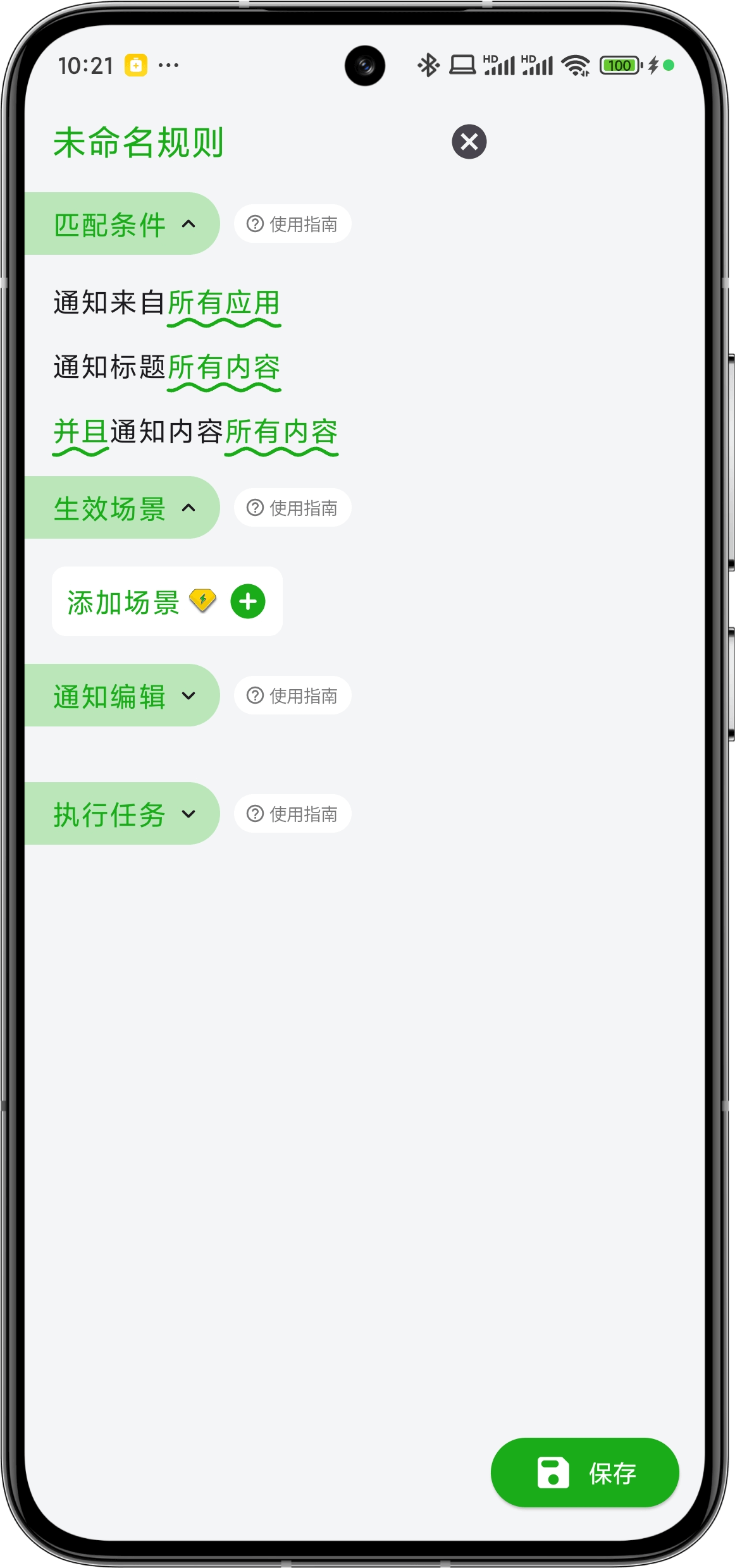
Each match rule contains four modules: Module - Match Conditions, Module - Effective Scenes, Module - Notification Edit, and Module - Execute Tasks.
The configuration of Match Conditions and Effective Scenes directly determines whether notifications can be accurately matched. By default, they represent matching all notifications and all scenes respectively.
For beginners, you can focus only on the Match Conditions part and learn from Tutorial - Using Text to Match Notifications. You can also click the download button in the upper right corner of the rule list to enter the Cloud Rule List Page to download and use rules uploaded by other users directly.
Match Rules are First-Class Citizens
As shown in the above figure, notifications recorded in the notification list are all notifications matched by match rules. Therefore, if you don't set match rules or if notifications are not matched by rules, you won't see any notifications in the notification list.
How Do Match Rules Execute Tasks?
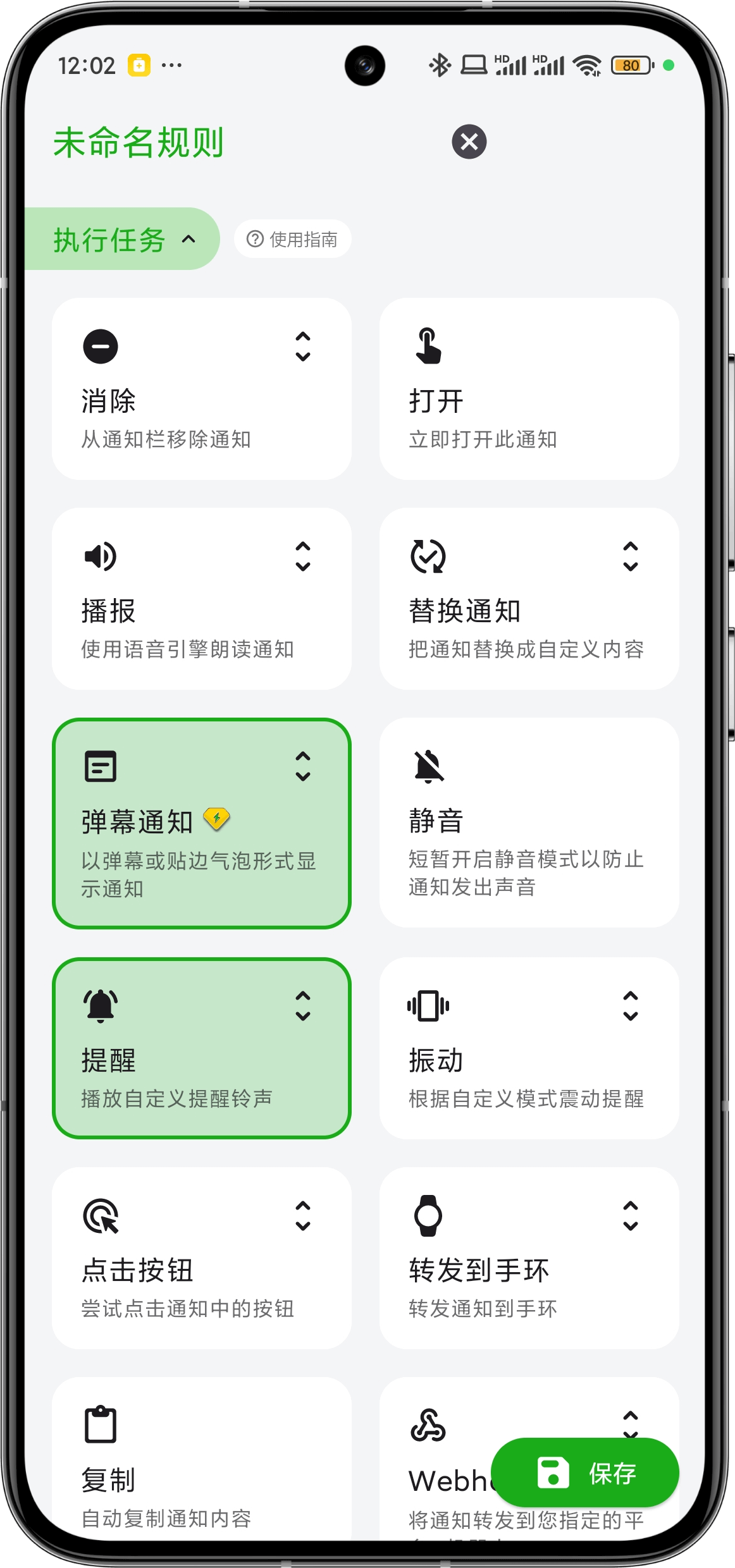
Match rules include a Module - Execute Tasks. You can click the task card to select the tasks that need to be executed. When a notification successfully matches the rule, the selected tasks will be executed automatically.